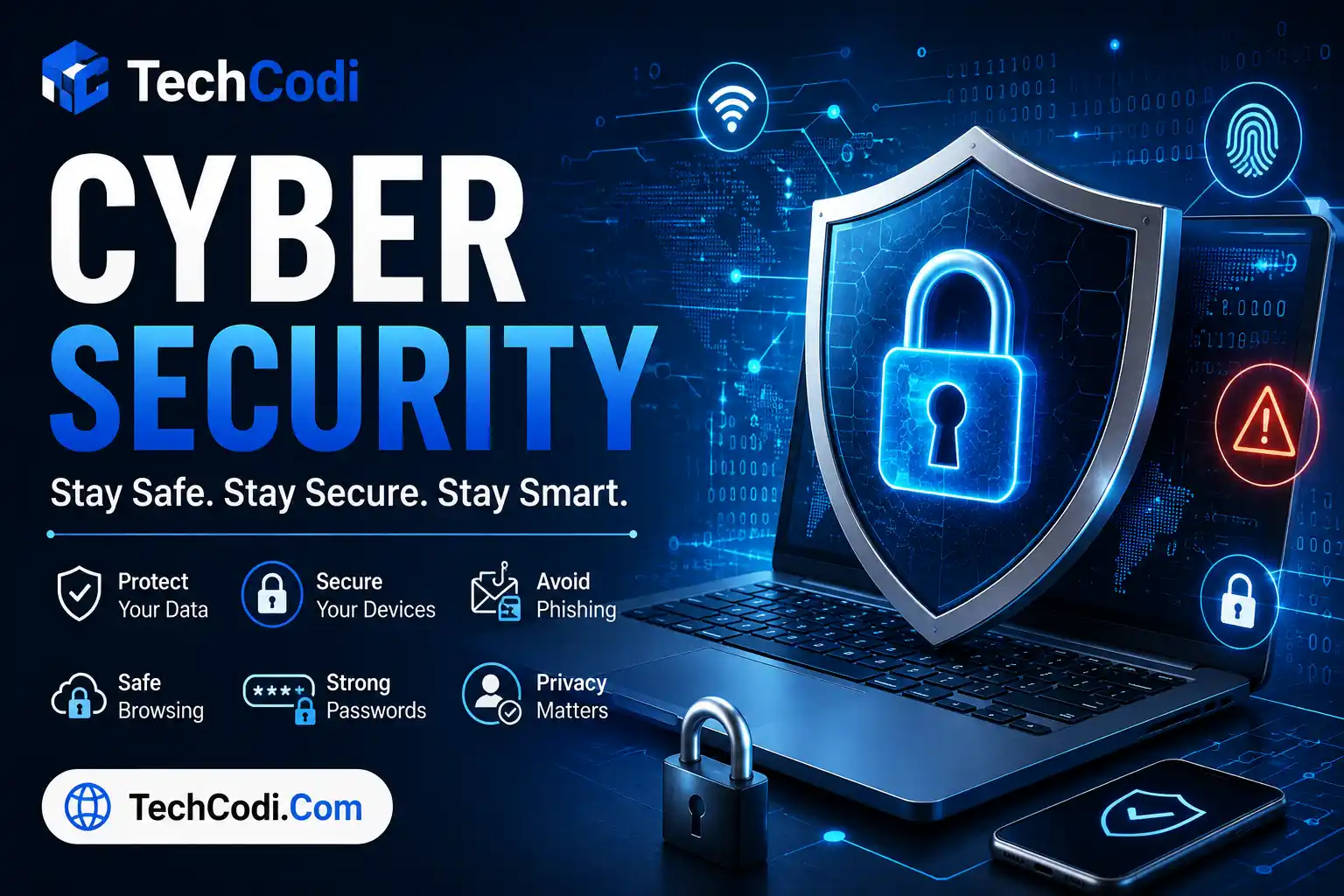
In today’s digital world, the internet has become an essential part of everyday life. We use smartphones, computers, online banking, social media, email, shopping websites, and cloud services for personal and professional activities. However, as our dependence on technology increases, cyber threats are also becoming more sophisticated.
Cyber security refers to the practices, technologies, and processes used to protect computers, smartphones, networks, applications, and data from unauthorized access, cyberattacks, theft, and damage.
Whether you are a student, employee, business owner, or regular internet user, understanding basic cyber security can help protect your personal information and digital identity.
What Is Cyber Security?
Cyber security is the protection of digital systems and information against threats such as hacking, malware, phishing, ransomware, identity theft, and unauthorized access.
It involves several areas, including:
- Network security
- Application security
- Data security
- Cloud security
- Mobile security
- Password security
- Identity and access management
- Cyber threat monitoring
The goal is to keep digital information confidential, accurate, and available to authorized users.
Why Is Cyber Security Important?
Cyberattacks can affect individuals, organizations, schools, banks, hospitals, and government institutions. A successful attack can result in stolen information, financial losses, service disruption, or privacy violations.
For individuals, cyber security is particularly important because attackers may target:
- Banking information
- Credit and debit card details
- Passwords
- Email accounts
- Social media accounts
- Personal photographs and documents
- Government identification information
Strong security practices can significantly reduce the risk of becoming a victim of cybercrime.
Common Types of Cyber Security Threats
1. Phishing
Phishing is one of the most common online scams. Attackers send fake emails, messages, or websites designed to trick people into revealing passwords, financial information, or other sensitive data.
For example, a scammer may send a message pretending to be from a bank and ask you to click a link to “verify” your account.
Safety tip: Never enter sensitive information through suspicious links. Instead, open the official website or app directly.
2. Malware
Malware is malicious software designed to damage systems, steal information, or gain unauthorized access.
Common types include:
- Viruses
- Trojans
- Spyware
- Worms
- Keyloggers
Installing software only from trusted sources and keeping security software updated can reduce the risk.
3. Ransomware
Ransomware is malware that can encrypt files or restrict access to a device and then demand payment from the victim.
Businesses are frequent targets because losing access to important files can cause significant disruption.
Regular backups are one of the most important defenses against ransomware.
4. Password Attacks
Weak or reused passwords can make online accounts easier to compromise.
Using the same password across multiple websites is especially risky. If one website experiences a data breach, attackers may try the stolen password on other services.
Use a unique, strong password for every important account.
5. Social Engineering
Social engineering involves manipulating people into performing an action or revealing confidential information.
Attackers may pretend to be:
- Bank employees
- Company representatives
- Friends or family members
- Customer support agents
- Government officials
Always verify unexpected requests before sharing information or transferring money.
How to Protect Yourself Online
Use Strong and Unique Passwords
Create long, unique passwords for important accounts. A password manager can help you securely store different passwords without having to memorize all of them.
Enable Two-Factor Authentication
Two-factor authentication (2FA) adds an additional layer of security. Even if someone obtains your password, they may still need a second verification method to access your account.
Whenever possible, enable 2FA for:
- Banking
- Social media
- Cloud storage
- Work accounts
Keep Software Updated
Operating system and application updates often include security fixes. Delaying updates can leave known vulnerabilities unpatched.
Enable automatic updates whenever practical.
Be Careful With Links and Attachments
Do not automatically trust links or attachments received through email, SMS, WhatsApp, social media, or other messaging platforms.
Check:
- Who sent the message
- The website address
- Spelling and grammar
- Urgent or threatening language
- Requests for passwords or money
Use Secure Networks
Avoid accessing sensitive accounts through unsecured public Wi-Fi when possible. If you must use public networks, avoid conducting highly sensitive transactions unless you have an appropriate secure connection.
Back Up Important Data
Keep backups of important documents, photographs, and other valuable files.
For especially important data, maintain more than one backup and keep at least one backup separate from your main device.
Protect Your Smartphone
Smartphones contain a large amount of personal information. Use a strong screen lock, keep the operating system updated, and install apps only from trusted sources.
Review app permissions regularly and remove apps you no longer use.
Cyber Security for Businesses
Businesses need stronger security measures because they often store customer information, financial data, employee records, and confidential documents.
Important measures include:
- Employee security training
- Multi-factor authentication
- Regular software updates
- Data encryption
- Secure backups
- Access controls
- Network monitoring
- Incident response planning
- Regular security assessments
Employees should also understand how to identify phishing emails, suspicious attachments, fake login pages, and social engineering attempts.
Cyber Security and Artificial Intelligence
Artificial intelligence is changing cyber security in both positive and negative ways.
Security teams can use AI to identify unusual activity, detect potential threats, analyze large amounts of security data, and respond more quickly to suspicious behavior.
At the same time, criminals can use AI to create more convincing scams and automate certain malicious activities. This makes digital awareness and strong security practices increasingly important.
What Should You Do If You Suspect a Cyberattack?
If you believe your account or device has been compromised:
- Disconnect the affected device from the internet if appropriate.
- Change important passwords from a trusted device.
- Enable two-factor authentication.
- Check account activity for unauthorized transactions or logins.
- Contact your bank immediately if financial information may be compromised.
- Update your operating system and security software.
- Preserve relevant messages, emails, screenshots, and transaction records.
- Report the incident through the appropriate official cybercrime reporting channel in your country.
Cyber Security Best Practices Checklist
Before using an online account, make sure you:
- Use strong, unique passwords.
- Enable two-factor authentication.
- Keep software updated.
- Avoid suspicious links.
- Download apps from trusted sources.
- Review account activity regularly.
- Back up important files.
- Avoid sharing OTPs and passwords.
- Lock your smartphone and computer.
- Be cautious with unexpected requests for money or personal information.
Conclusion
Cyber security is no longer only a concern for large companies or technology experts. Every internet user has a role to play in protecting their digital information.
Simple habits such as using unique passwords, enabling two-factor authentication, keeping software updated, avoiding suspicious links, and maintaining backups can make a significant difference.
As cyber threats continue to evolve, staying informed and thinking carefully before clicking, downloading, or sharing information are among the most effective ways to stay safer online.
Stay alert, protect your data, and think before you click.
FAQs
What is Cyber Security?
Cyber security is the practice of protecting computers, smartphones, networks, applications, and personal data from hacking, malware, phishing, unauthorized access, and other cyber threats.
Why is Cyber Security important?
Cyber security helps protect sensitive information such as passwords, banking details, personal files, emails, and online accounts from theft, misuse, and unauthorized access.
How can I protect myself from cyber attacks?
Use strong and unique passwords, enable two-factor authentication, keep your devices updated, avoid suspicious links and attachments, download apps only from trusted sources, and regularly back up important data.
What is phishing in Cyber Security?
Phishing is a type of cyber scam in which attackers use fake emails, messages, websites, or social media accounts to trick people into revealing passwords, OTPs, financial information, or other sensitive details.
What should I do if my online account is hacked?
Immediately change the password from a trusted device, enable two-factor authentication, check for unauthorized activity, log out of unknown sessions, and contact the relevant service provider or bank if financial information may have been compromised.