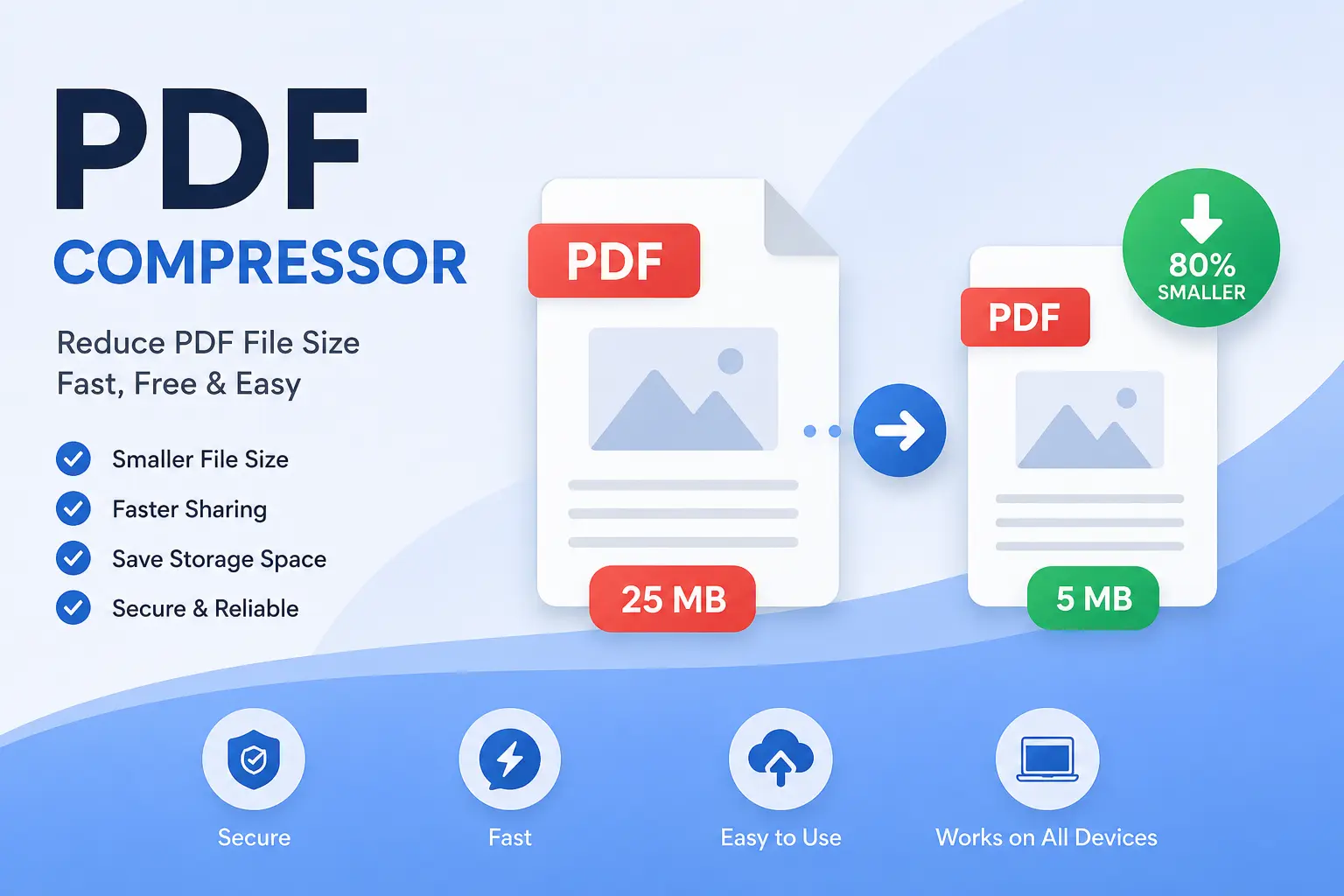
Large PDF files can be difficult to upload, share, store, or send by email. A PDF Compressor helps reduce the file size of PDF documents while keeping the content readable and useful.
Our free online PDF Compressor is designed to make PDF compression simple. Upload your PDF, compress it, and download the smaller file in just a few steps—without installing any software.
Why Use a PDF Compressor?
PDF files containing high-resolution images, scanned pages, or graphics can become very large. Compressing them can make them easier to manage.
A PDF Compressor can help you:
- Reduce PDF file size
- Upload documents faster
- Share PDFs more easily
- Save storage space
- Send large documents through email
- Optimize PDFs for websites and online forms
- Make documents easier to use on mobile devices
How to Compress a PDF Online
Using an online PDF Compressor is usually quick and straightforward.
Step 1: Upload Your PDF
Select the PDF file you want to compress from your computer, smartphone, or tablet.
Step 2: Compress the PDF
Click the Compress PDF button. The tool processes the document and reduces its file size.
Step 3: Download the Compressed PDF
Once compression is complete, download the optimized PDF file to your device.
What Is PDF Compression?
PDF compression is the process of reducing the size of a PDF document by optimizing its internal content. Depending on the document, compression may reduce the size of images, remove unnecessary data, and optimize the PDF structure.
The goal is to create a smaller file that remains suitable for reading, sharing, printing, or uploading.
Benefits of Compressing PDF Files
Smaller File Size
Compression can significantly reduce the size of large PDF documents, making them easier to store and transfer.
Faster Uploads
Smaller PDFs generally require less time and bandwidth to upload to websites, cloud storage, application portals, and email services.
Easy Sharing
A compressed PDF is more convenient to share through email, messaging applications, and other online platforms.
Better Mobile Experience
Smaller files are easier to download and open on smartphones and tablets, particularly when using slower internet connections.
When Should You Compress a PDF?
You may want to compress a PDF when:
- The file is too large to upload
- An online application has a file-size limit
- You need to email a large document
- You want to save cloud or device storage
- A website requires a smaller PDF
- You need to share scanned documents quickly
PDF Compressor for Students and Professionals
A PDF Compressor can be useful for students, teachers, office employees, freelancers, businesses, and anyone who regularly works with digital documents.
Students can compress assignments and study materials, while professionals can optimize reports, invoices, presentations, scanned documents, and business files before sharing them online.
Does PDF Compression Reduce Quality?
The effect of compression depends on the type and settings used. Some compression methods primarily optimize the PDF structure, while others may reduce image resolution or quality.
For documents containing photographs or scanned pages, stronger compression may produce a smaller file but can also reduce visual quality. Therefore, it is useful to choose a compression level that provides a good balance between file size and document quality.
Is an Online PDF Compressor Free?
Many online PDF compression tools provide free compression for common PDF files. A free tool can be useful when you only need to reduce the size of a document occasionally without installing desktop software.
Is PDF Compression Safe?
When using any online document tool, you should consider the privacy of your files. Avoid uploading highly confidential documents unless you understand how the service handles uploaded files.
For sensitive documents, always check the tool‘s privacy and file-handling policies before uploading.
Frequently Asked Questions
What is a PDF Compressor?
A PDF Compressor is an online or offline tool that reduces the file size of PDF documents while attempting to preserve useful document quality.
Can I compress a PDF on my phone?
Yes. A web-based PDF Compressor can generally be accessed from modern smartphones and tablets using a web browser.
Will my PDF remain readable after compression?
The result depends on the compression method and the original PDF. A good compression process aims to reduce file size while keeping text and important content readable.
Can I compress a scanned PDF?
Yes. Scanned PDFs often contain large images, so compression can be particularly useful for reducing their file size.
Why is my PDF file so large?
PDFs can become large because they contain high-resolution images, scanned pages, embedded fonts, graphics, or other data. Compression can help optimize these elements.
Conclusion
A PDF Compressor is a convenient solution for reducing the size of PDF documents without the need for complicated software. Whether you need to upload a document, send it by email, save storage space, or share it with others, compressing a PDF can make the process easier and faster.
Use our free online PDF Compressor to optimize your PDF files quickly and conveniently from your computer, smartphone, or tablet.